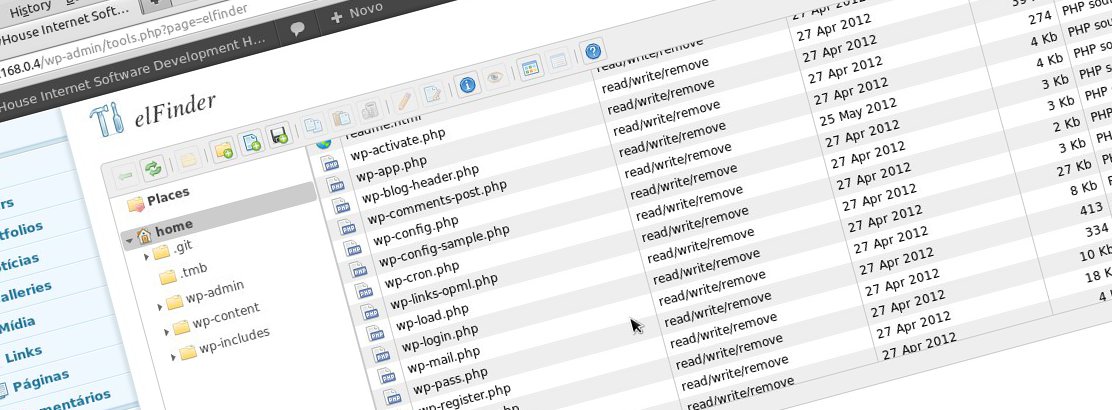

Once again a need arose while writing articles for this blog, and I decided to share it with you.
I use the SyntaxHighlighter Evolved plugin to add color to the code posted on this blog, but I was having a problem with the theme I'm using. The theme sets the box-shadow attribute in the CSS for the tag, which is also used by SyntaxHighlighter, and you can imagine the mess.
The fix is simple: edit the SyntaxHighlighter Evolved CSS and set box-shadow: none; for the tag.
So far so good. No problem. It's just that it's a quick, simple change and I didn't want to have to open an ftp program, download the file, change it and upload it again. For small changes to files like this, it's quite handy to have a web file manager at hand.
Back in my Joomla days I used eXtplorer, a great file manager written in PHP with a frontend in ExtJS. We have a post dedicated exclusively to it:
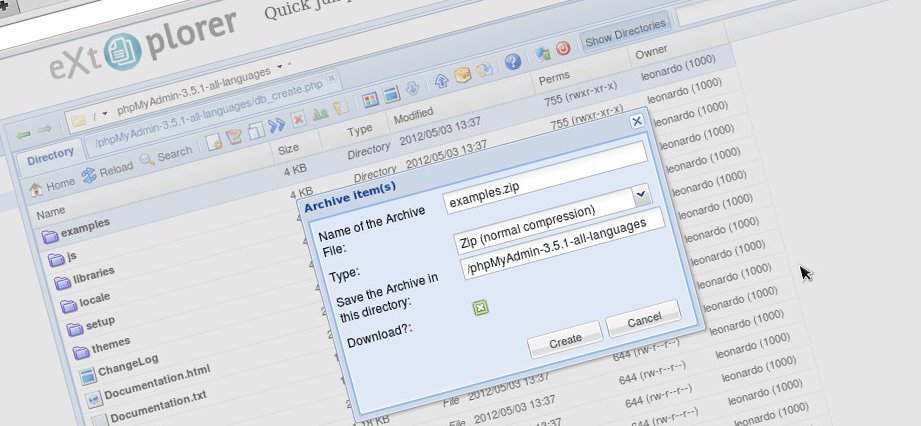
As explained in the post, eXtplorer even has a plugin for WordPress, but it doesn't work on version 3.3.2.
Looking for more alternatives, I found a plugin called wp-FileManagerwhich, just from looking at the screenshot, made me reject it. Forgive the prejudice, but my experience says that, with rare exceptions, programs with a "clunky" interface like this plugin's aren't updated often or are very amateurish.
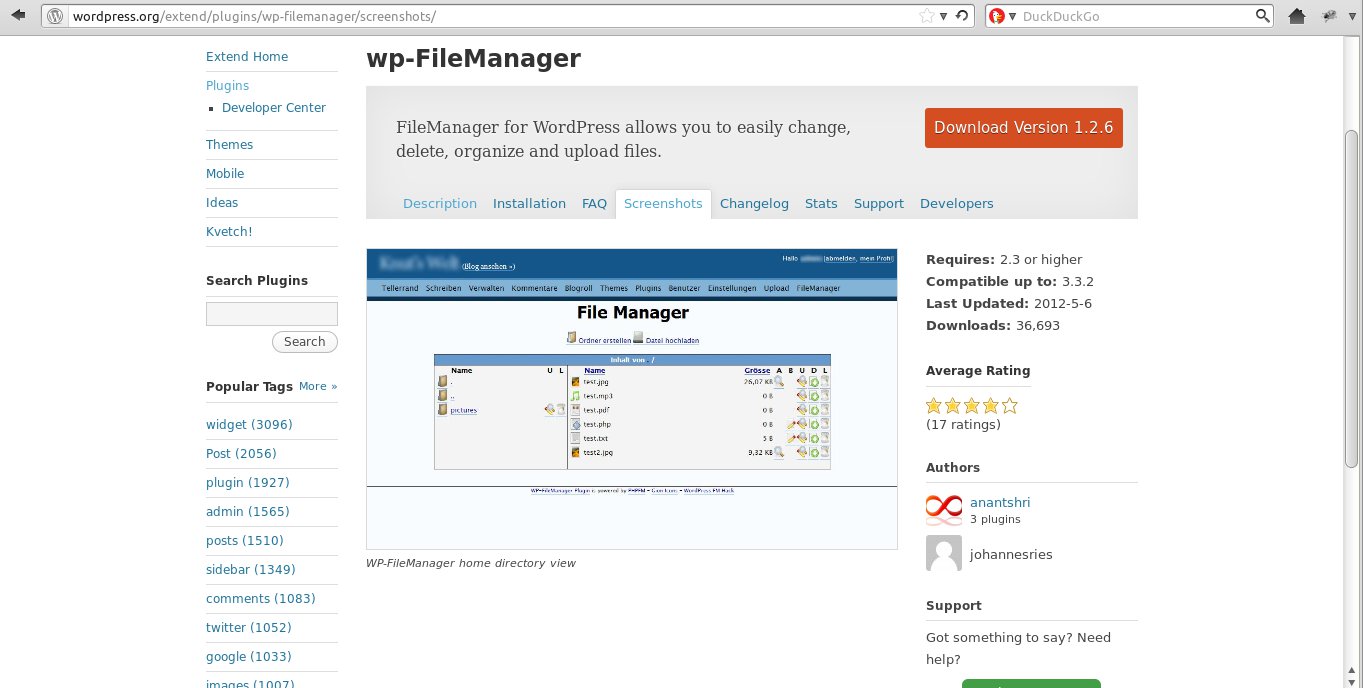
wp-FileManager, would you install it?
elFinder
After discarding wp-FileManager, without even installing it to test, I finally found a great replacement for eXtplorer. elFinder even has practically the same features as the other one, which are:
- Common operations on files stored on remote servers (copy, move, upload, create file/folder, rename, etc)
- Two view types: list and icons
- High performance on both the client and server side
- Multiple file upload
- Standard methods for grouping file selection using mouse or keyboard
- Context menu
- "Hot Keys" for most actions
- Move/Copy files using Drag & Drop
- Working with compressed files
- Preview for most file types
- Edit text files and resize images
- "Places" for favorites
- Directory size calculation
- Thumbnail creation for image files running in the background
- Easy integration with web editors (elRTE, CKEditor, TinyMCE)
- Flexible configuration of access rights, allowed file types for upload, user interface, among others
- Extensible
- Simple JSON-based client/server API
I installed it on WordPress 3.3.2, despite a warning saying it hadn't been tested for this version yet, but everything worked well. I liked the plugin and I recommend it!
Some Screenshots
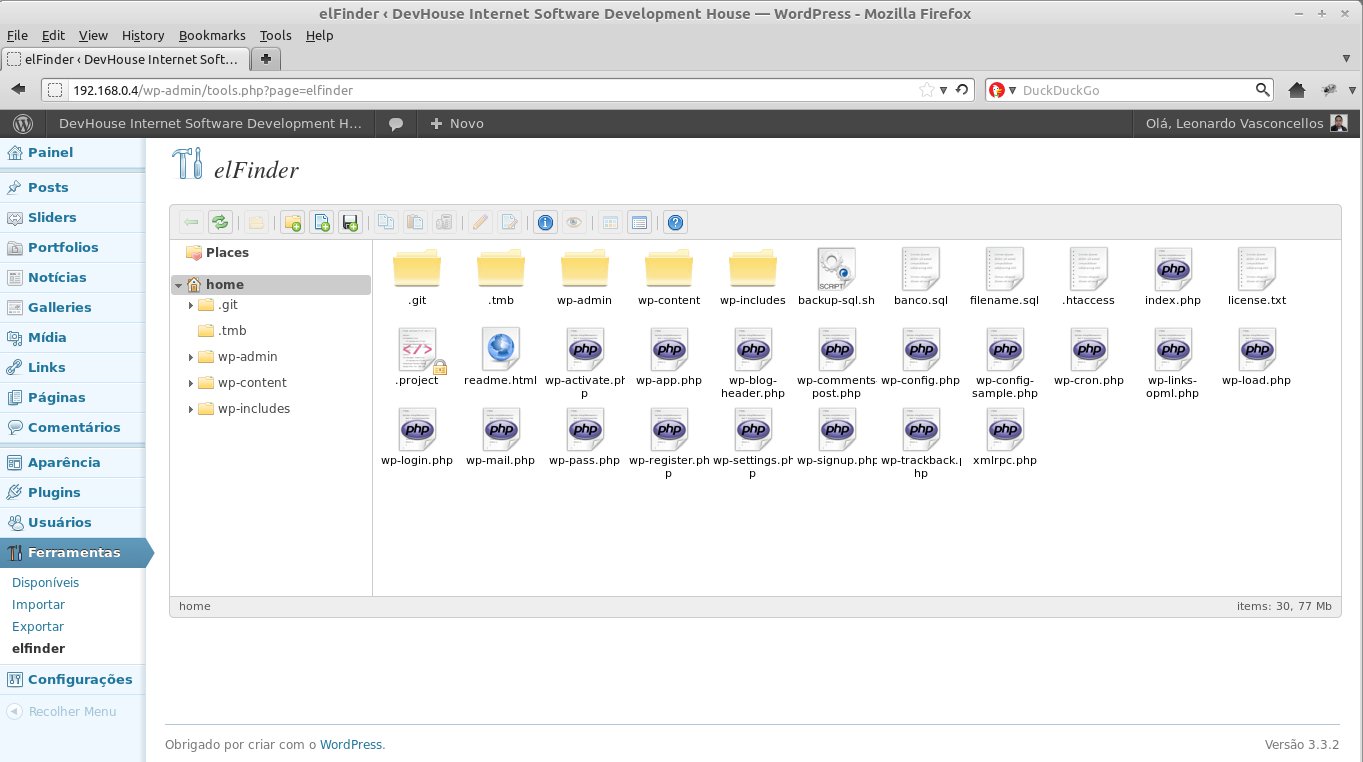
Icon View
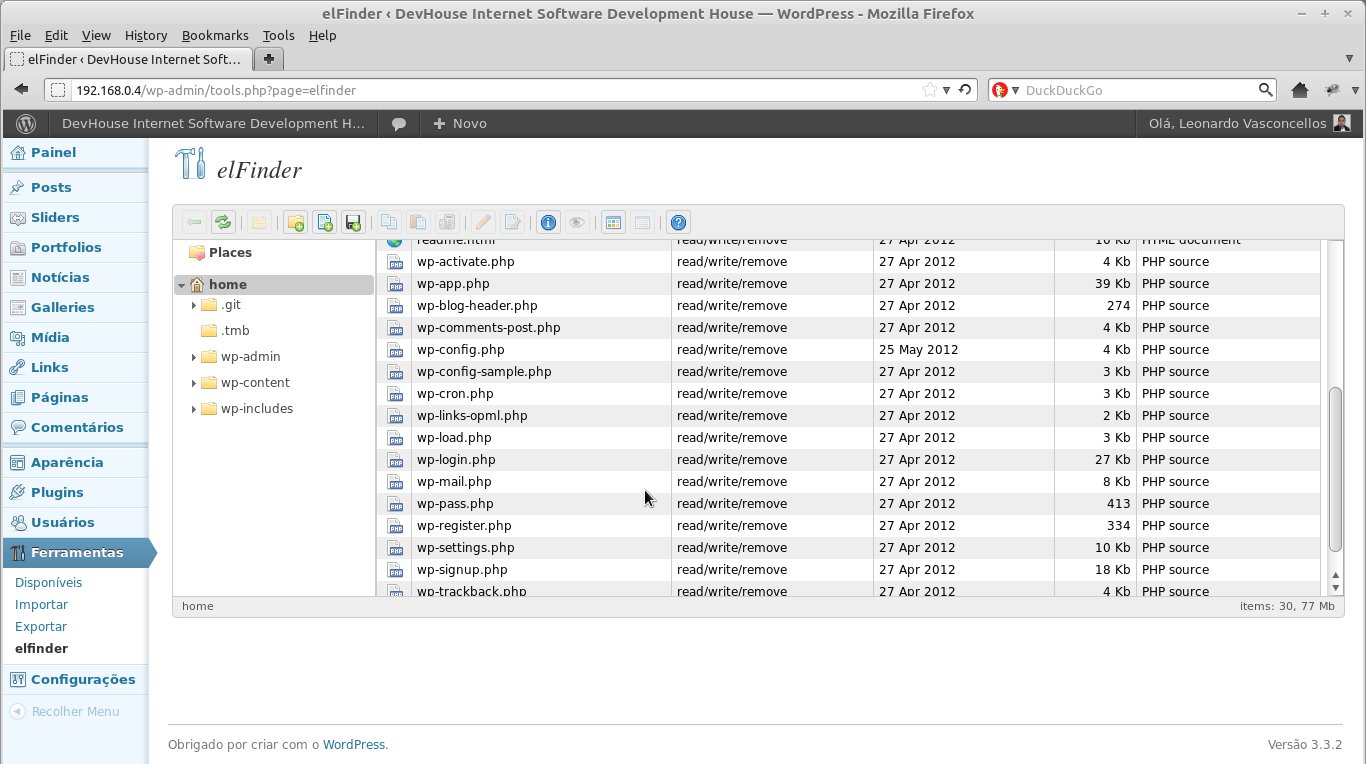
List View
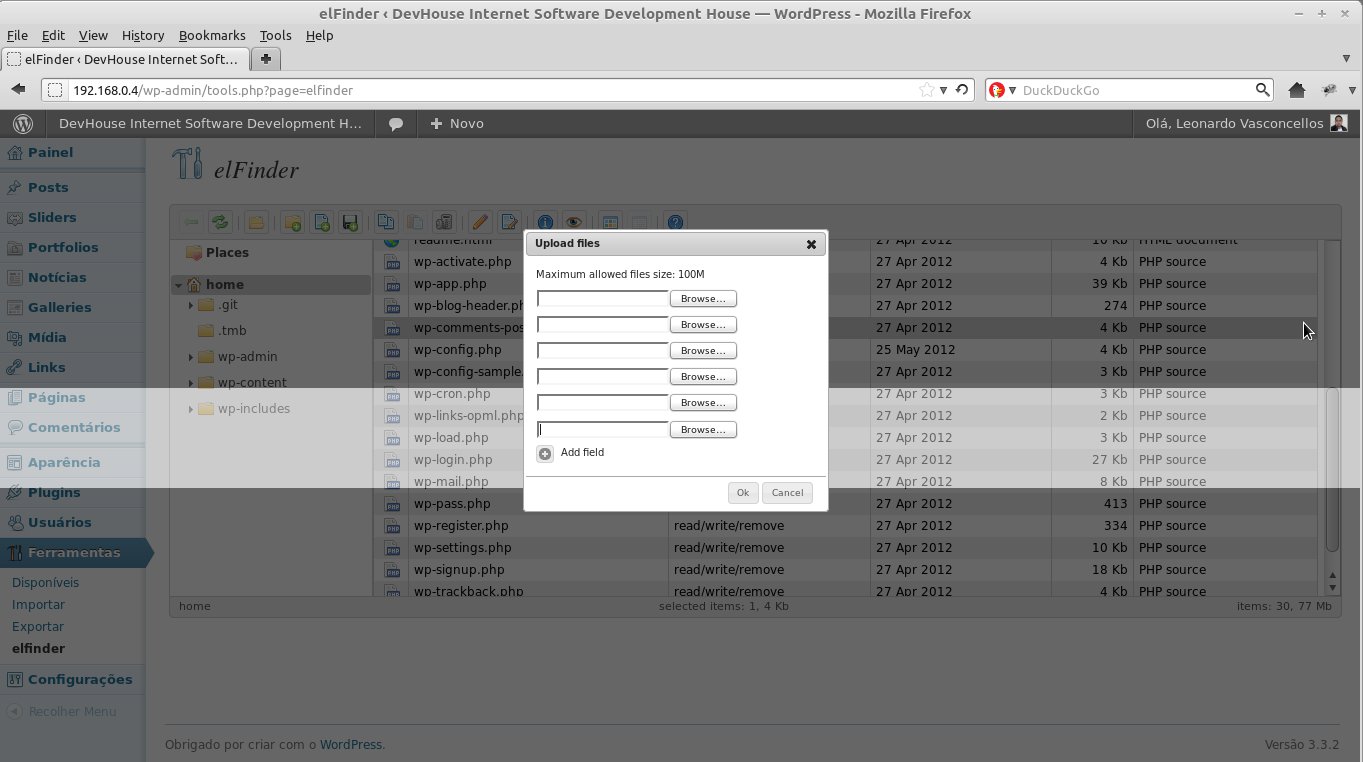
File upload
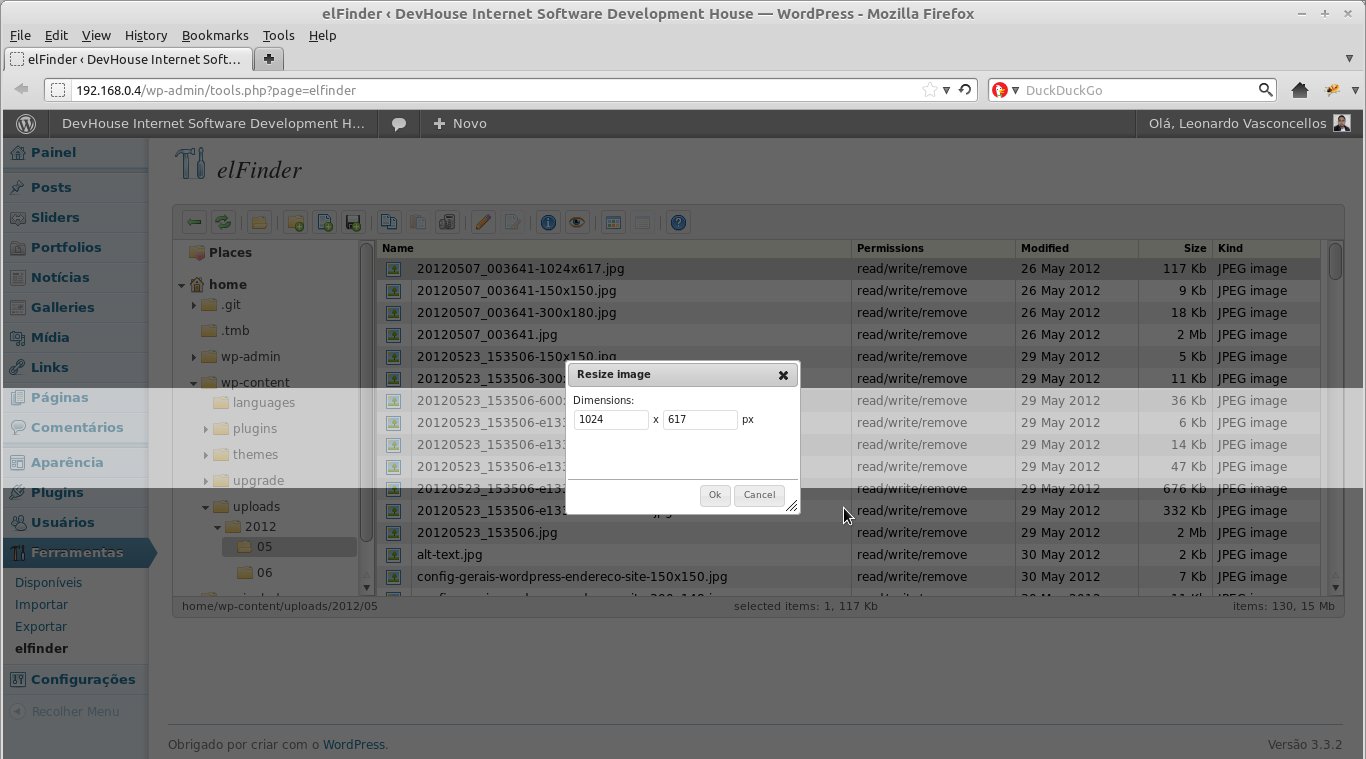
Image resizing
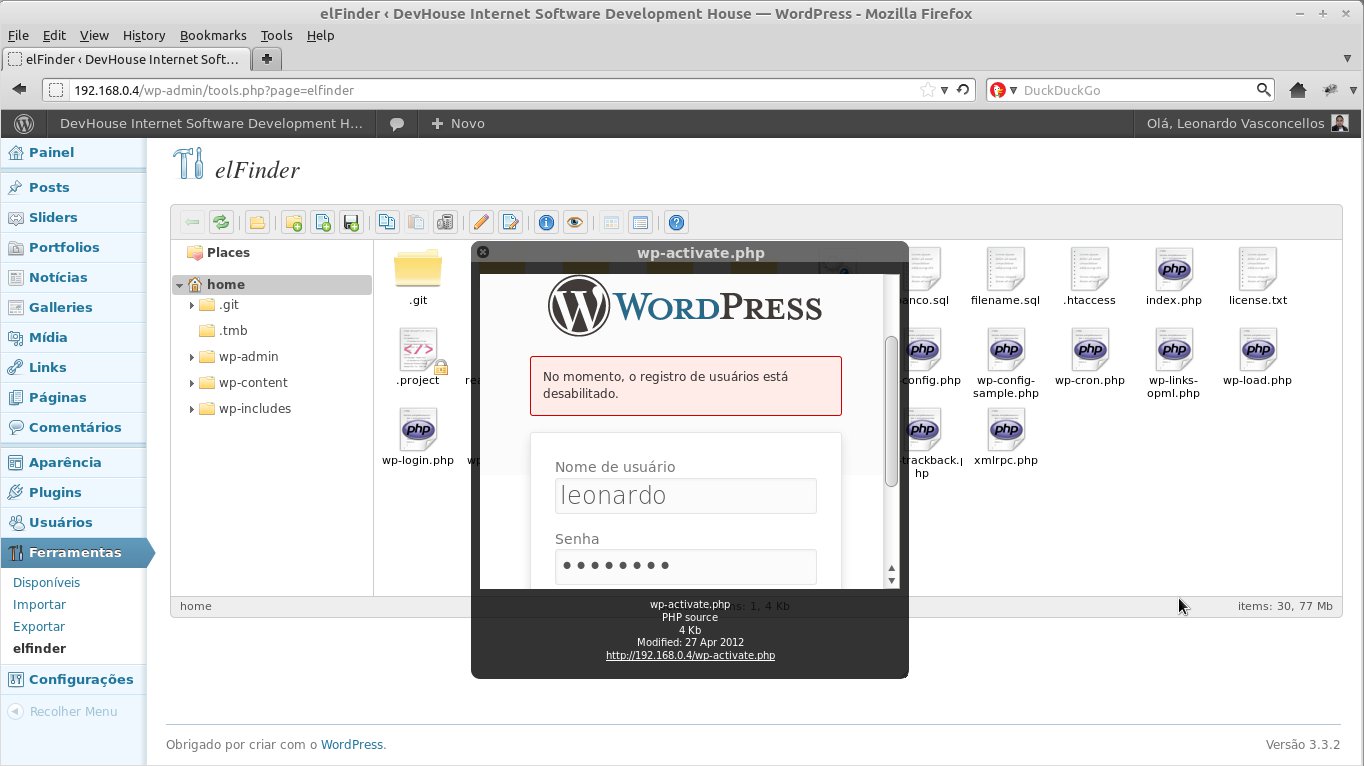
File preview
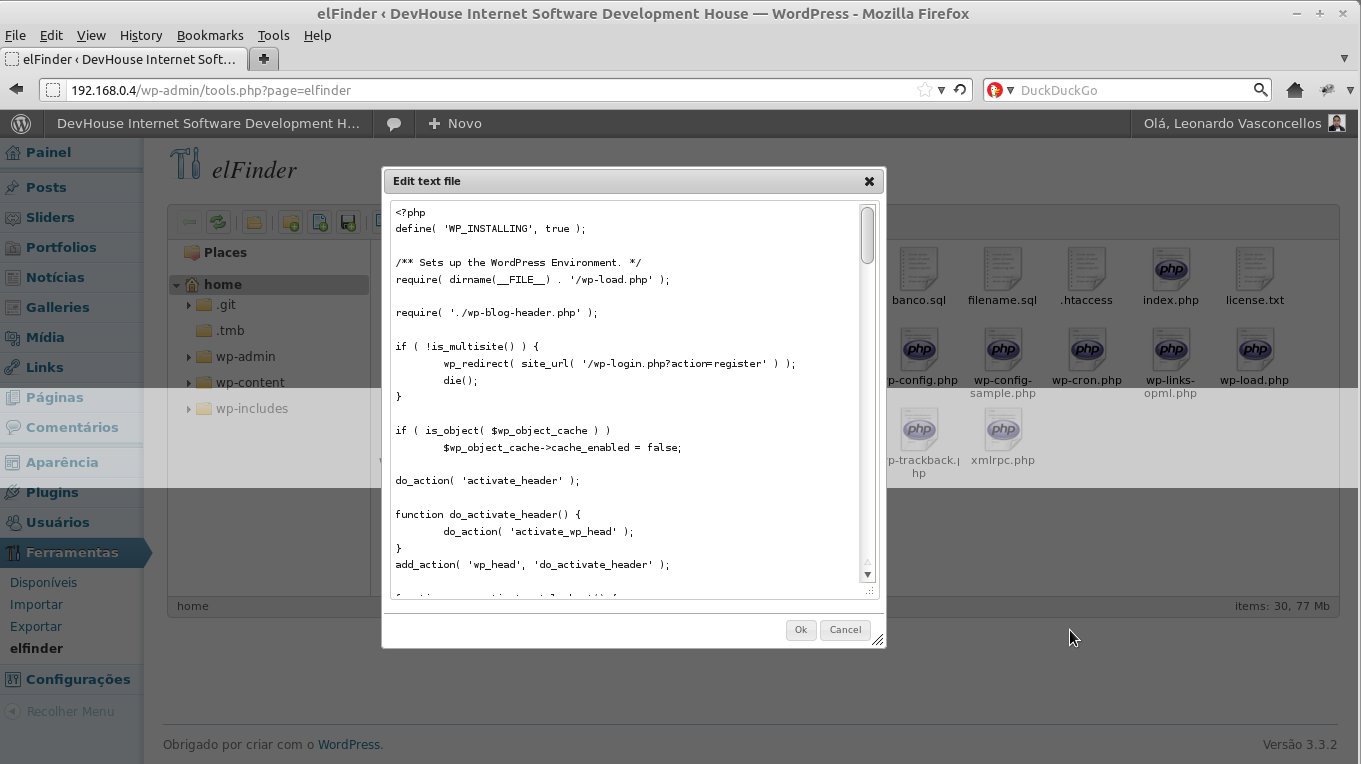
Text file editing
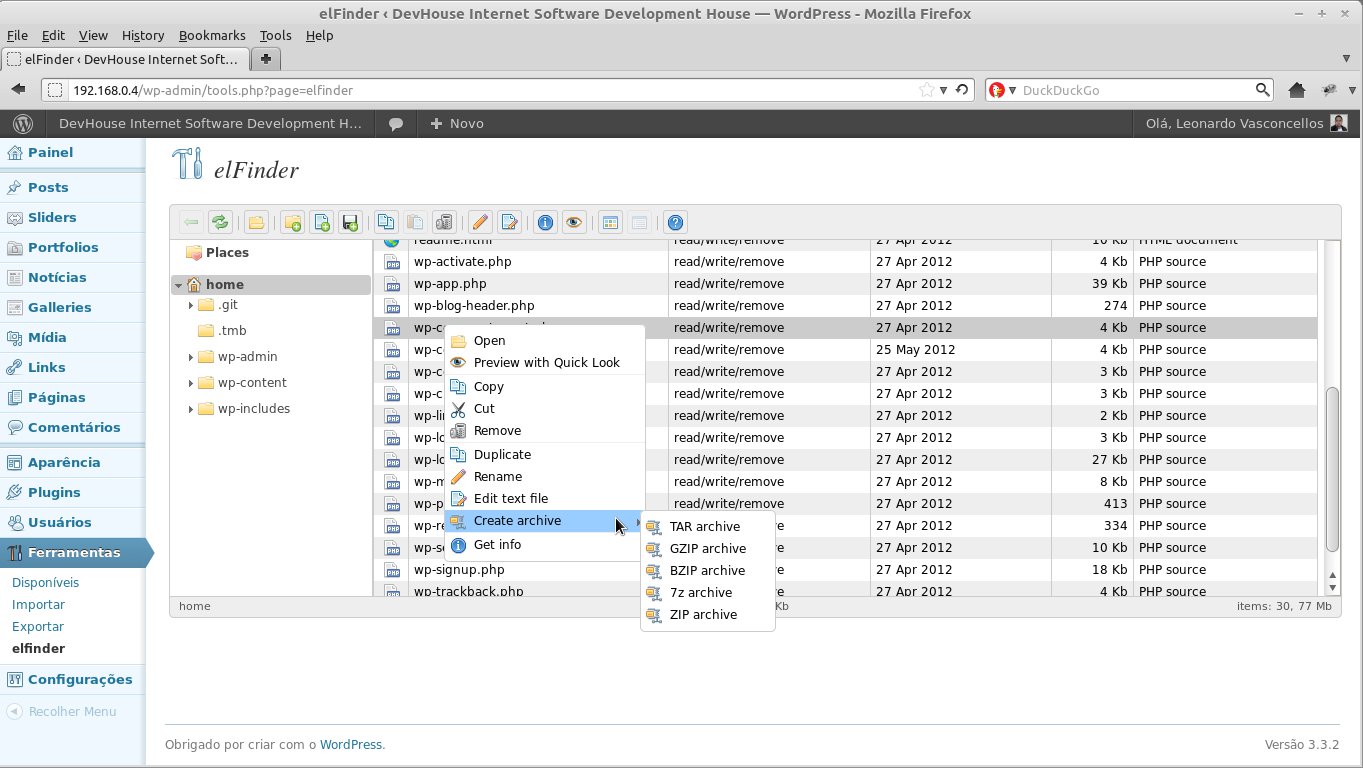
Context menu
The elFinder can no longer be found in the plugin search within the WordPress administration, but you can download the zip and install it manually. I installed it successfully on version 3.4.2. Download from this link.
That's it! I hope you find it useful as I did.
Comments 4
Olá amigo, Gostaria de saber se é possível o client fazer download de vários arquivos simultâneos, caso precise de vários seria muito irritante baixar um por um. FileZilla faria isso?
Oi Guilherme. Seguinte, esse elfinder está muito velho e desatualizado. Não vale mais a pena usá-lo.
Veja se esse aqui serve para o que você precisa: https://wordpress.org/plugins/miwoftp/screenshots/
Impedir acesso por causa do adblock não lhe trará ajuda, entenda o que os usuários querem, pois tem muitas outras formas de ganhos, não se prenda a esta forma irritante de ajuda.
Aceito a crítica mas eu descordo. Eu uso adblock e é muito útil quando você navega em certos sites que usam propagandas de forma agressiva e enganosa mas no meu site eu uso apenas os anúncios do google que são “bem comportados”. No final das contas é simples adicionar o meu site ao whitelist do addblock. Se você veio até ele procurando ajuda, por que não retribuir o favor?