Gimp 2.8 came out a while ago, so it's well past time to update the system. As I've mentioned in previous posts, I use Linux Mint Debian Edition, which is nothing more than Debian Testing with some Mint repositories, and that's why Gimp 2.8 isn't available in the Mint repositories yet, but it's already available in Debian Testing, so we'll use that.
First remove the old version
sudo apt-get purge gimp*Now add the Debian Testing repository.
sudo add-apt-repository "deb http://ftp.debian.org/debian/ testing main contrib non-free"And finally install Gimp
sudo apt-get update && sudo apt-get install gimpIf you run into dependency problems, use aptitude and choose the option where all packages are upgraded to fix the problem. In my case it was the third option.
sudo aptitude install gimpGimp 2.8 is fast to open. It worked here, how about you?
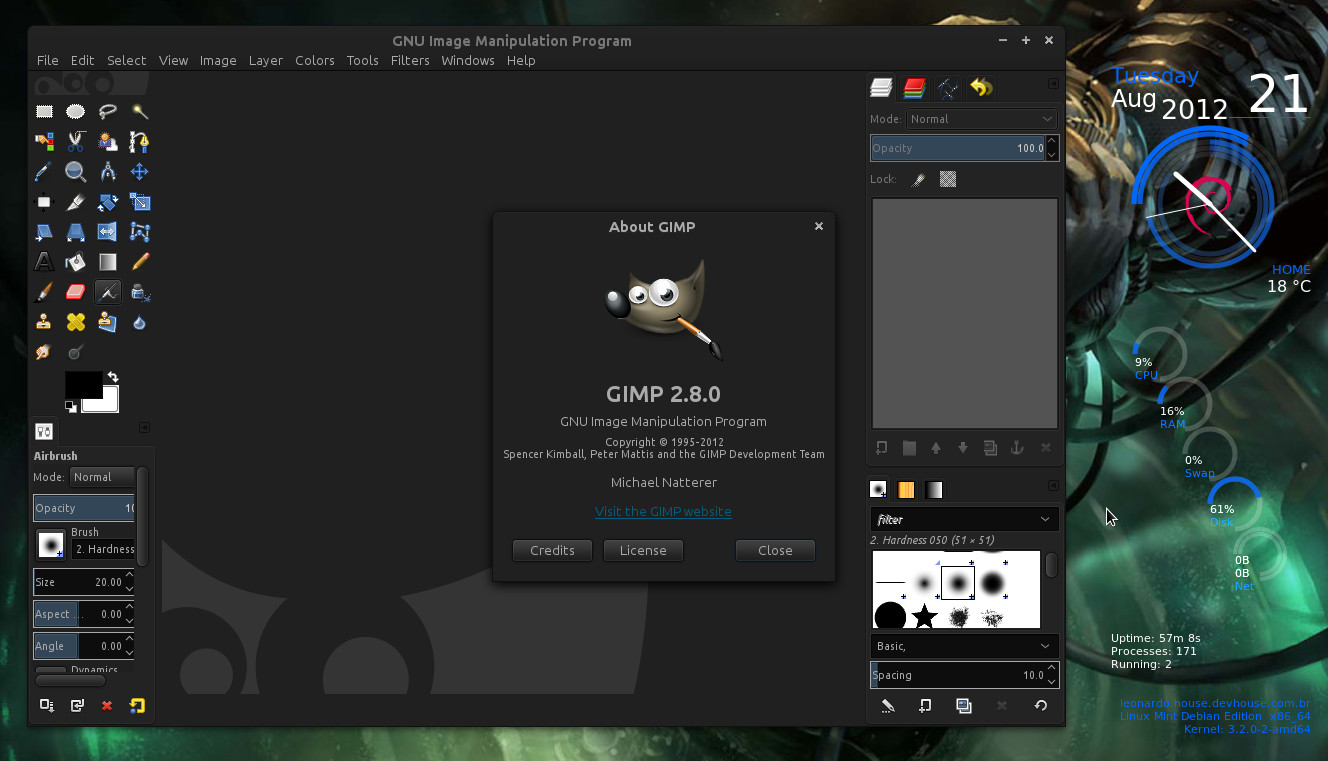
Gimp in single-window mode.
Comments 5
Valeu pelo passo a passo…
aqui funcionou direitinho, foi de primeira!!
Muito Obrigado!
OI Andre,
Vc teria um repositório e chaves funcionando do mint lmde?
Veja se isso ajuda:
http://packages.linuxmint.com/list.php?release=Debian
Eu adicionei essa debian test no meu linux mint 13, e veio uma “tonelada” de atualização, 694 mega, quando desmarquei essa debian test, nao veio mais, é confiavel eu atualizar toda essa montanha?
Não faça a atualização toda. Não faça dist-upgrade ou upgrade. É apenas para instalar o gimp e depois desmarcar mesmo. Outra coisa. O seu linux mint é o debian edition? Porque o ubuntu já tem o gimp 2.8 nos seus repositórios. Você pode instalar o ubuntu software center e dar uma olhada.