If you installed a template (theme) for WordPress and noticed that some words are in English or another language, even if your WordPress is in Portuguese, you need to translate the theme.
WordPress's localization files use GetText, a library from the GNU project for software internationalization. GetText files have the .po and .mo extensions.
To edit these files you need a special editor. There are a few editors for this type of file. GTed is an Eclipse plugin and seems to be very complete, although I'm not familiar with it.
For this tutorial we'll use Poedit, a small editor dedicated to this purpose. There are versions for MAC OS X, Windows and Linux. If you don't use Linux, download the editor from the site: http://www.poedit.net.
If you use Linux, run the following commands in the shell:
$ sudo apt-get update
$ sudo apt-get install poedit
$ poedit
The last command will open poedit:
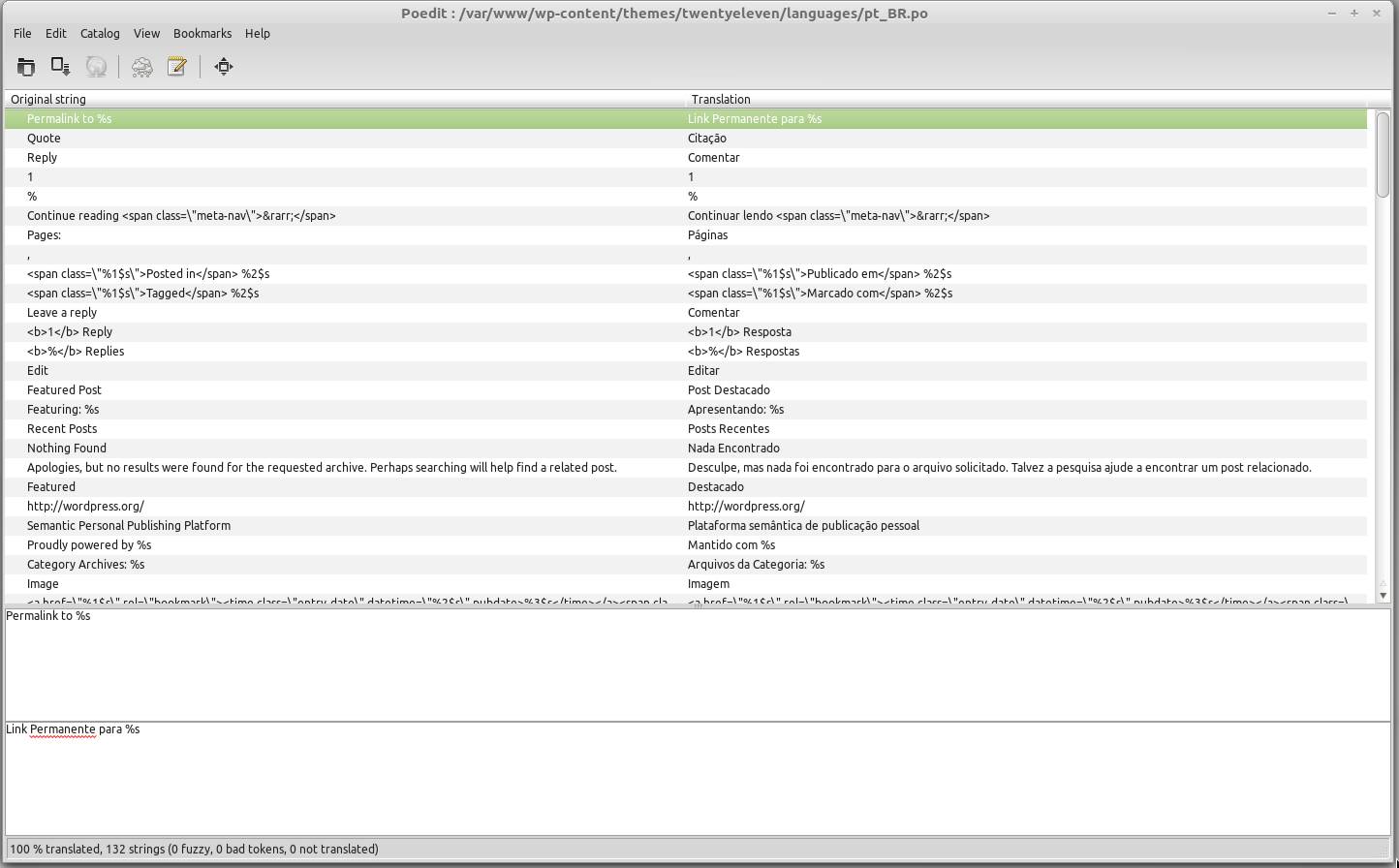
Internationalization using Poedit
Find the original .po file. In this example the file is in:
wp-content/themes/twentyeleven/languages/pt_BR.po.
Keep in mind that twentyeleven is the name of the template I'm using and that it already comes in Portuguese.
Once you've found the file, create a copy of it, renaming it using the language and country code of the translation. For Brazilian Portuguese pt_BR, for Portugal's Portuguese pt_PT, for English en_US.
Open the file you created with poedit and now just translate. The original string column has the string in its original version, which is also shown in the first text box below the table. In the second column of the table are the translated strings that you enter in the text box further down the screen.
You can use the tab key and the arrows to navigate more easily between the items in poedit.
Then just save and you're done!
Comments 0
No comments yet.