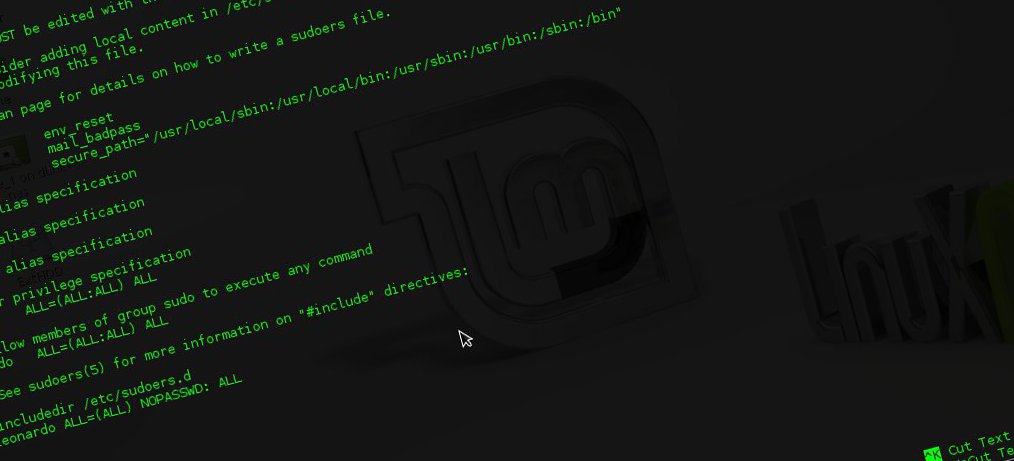
If you're the only one who uses your computer, you trust yourself, your password is long and you don't have the patience to type it every time you use sudo, here's a tip. With the visudo command you edit the /etc/sudoers file to change sudo's settings.
$ sudo visudoAt the end of the file, insert the following line, replacing leonardo with your username:
leonardo ALL=(ALL) NOPASSWD: ALLSave the file and you're done. Passwordless sudo!
Comments 0
No comments yet.